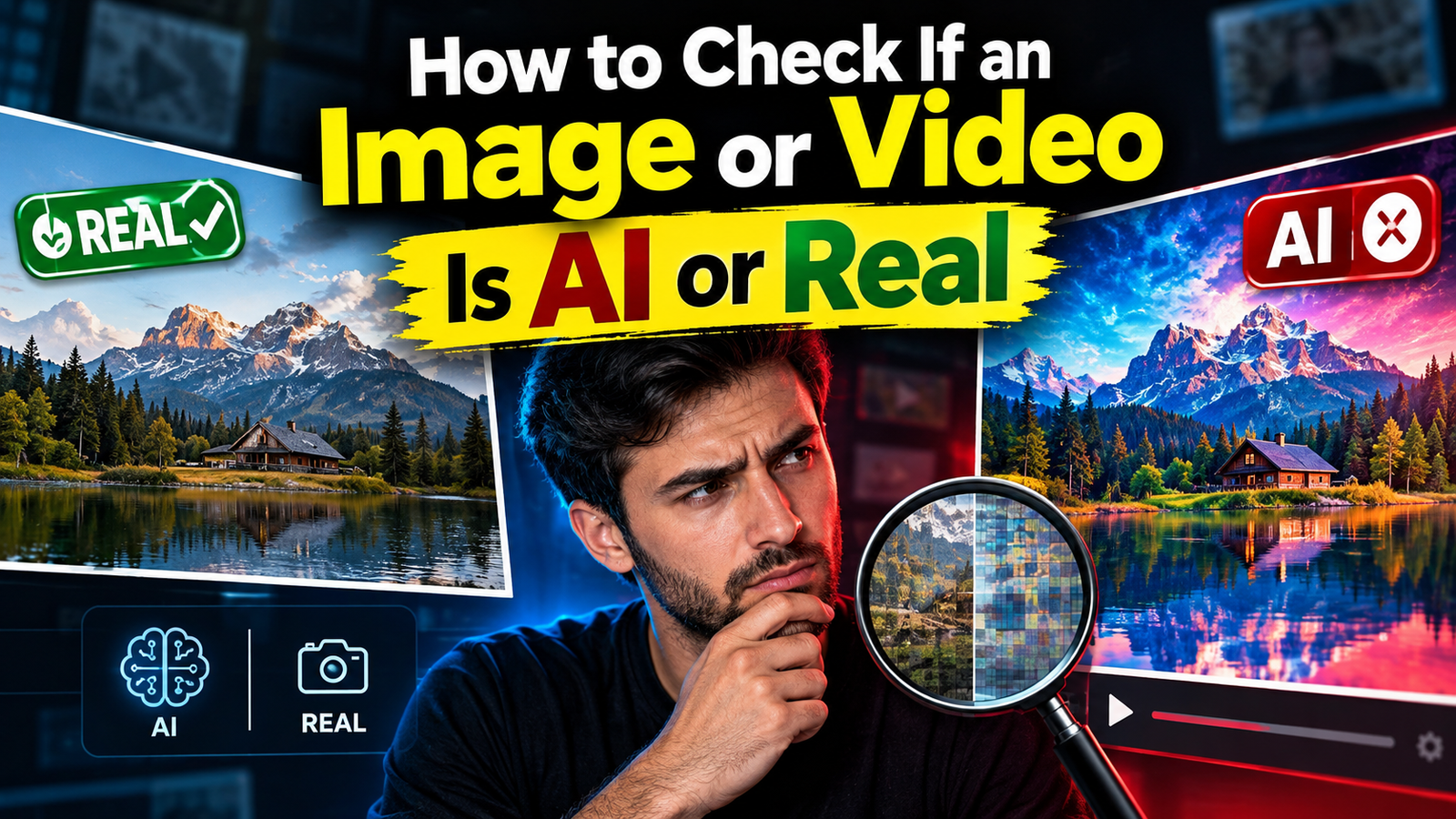

AI-generated images and videos have become increasingly realistic. A photo can look like a normal camera picture even when it was completely created by artificial intelligence. The same is true for videos, where AI can generate realistic faces, voices, backgrounds, and movements.
Because of this, simply looking at an image for a few seconds is no longer enough to determine whether it is real. The good news is that you can use several methods to check if an image or video is AI-generated or real.
In this guide, you will learn how to inspect visual details, check the original source, use reverse image search, examine metadata, use AI detection tools, and verify suspicious videos.
Why Is It Difficult to Detect AI Images and Videos?
Modern AI generation tools can create highly realistic faces, environments, objects, and animations. Older AI-generated images often contained obvious mistakes, but newer models can produce much more convincing results.
AI content may contain:
- Realistic human faces
- Natural-looking backgrounds
- Detailed clothing
- Realistic lighting
- Artificial voices
- Generated text
- Realistic facial expressions
- Synthetic video movements
This means there is no single visual trick that can identify every AI-generated image or video.
The most reliable approach is to combine visual inspection, source verification, reverse search, metadata, and specialized detection tools.
1. Look Closely at the Image
Start with the image itself.
Zoom in and carefully inspect areas where AI generation can sometimes produce inconsistencies.
Check Hands and Fingers
Hands can still be difficult for some AI systems to generate accurately.
Look for:
- Extra fingers
- Missing fingers
- Unusual finger positions
- Distorted hands
- Fingers merging together
- Objects appearing incorrectly between fingers
A strange hand does not automatically prove that an image is AI-generated, but it can be a useful warning sign.
Check Faces
Look closely at the eyes, teeth, ears, hair and facial proportions.
Possible warning signs include:
- Uneven eyes
- Strange reflections in the eyes
- Unnatural teeth
- Distorted ears
- Hair merging into the background
- Unusual facial symmetry
- Skin that looks excessively smooth
Again, these signs are not conclusive by themselves.
2. Examine Text in the Image
AI-generated images have historically struggled with text.
Look at signs, posters, product packaging, documents, screens and clothing containing writing.
Watch for:
- Misspelled words
- Random letters
- Inconsistent fonts
- Text that changes shape
- Unreadable small writing
- Logos that look slightly distorted
If a supposedly real photograph contains strangely generated text, investigate its source before trusting it.
3. Check Lighting and Shadows
Lighting can provide another clue.
Look at:
- Shadows from people
- Reflections
- Light direction
- Objects casting shadows
- Reflections in glass
- Highlights on skin and metal
If the light appears to come from different directions in the same scene, the image may have been generated or heavily manipulated.
However, complicated lighting in a real photograph can also produce unusual-looking shadows, so this should be treated as evidence rather than proof.
4. Zoom Into the Background
Don’t only inspect the main person.
AI-generated images can sometimes contain unusual background details.
Look at:
- Buildings
- Cars
- Street signs
- Furniture
- Windows
- Trees
- People in the distance
- Repeating objects
A background object that changes shape, has impossible geometry, or appears partially merged with another object can indicate AI generation or editing.
5. Check the Image Source
One of the most useful methods is to investigate where the image originally came from.
If you see an image on social media, don’t automatically assume that the account posting it created the image.
Look for:
- Original uploader
- Date of publication
- Earlier versions of the image
- Context surrounding the image
- Other websites using the same picture
- Captions and descriptions
An image being shared thousands of times does not make it authentic.
6. Use Reverse Image Search
A reverse image search can help you discover where an image has previously appeared online.
Instead of searching for words, you upload the image or provide its image URL.
The results may reveal:
- Older versions of the image
- Original websites
- News articles
- Social media posts
- Fact-checking pages
- Similar images
- Different captions using the same picture
This can be particularly useful when someone claims that an old image is from a recent event.
Why Reverse Search Is Useful
Suppose someone posts a dramatic photograph and claims that it was taken yesterday.
A reverse search may show that the exact image appeared online several years earlier.
That doesn’t necessarily mean the image itself is AI-generated. It may simply be misleadingly presented or taken out of context.
This distinction is important.
7. Check Image Metadata
Some images contain metadata, which is additional information stored inside the file.
Depending on the camera or software, metadata may include:
- Camera model
- Date and time
- GPS information
- Software used
- Image dimensions
- Editing information
Metadata can sometimes provide useful clues about an image’s origin.
However, metadata should not be treated as definitive proof.
Social media platforms and image-editing software can remove or change metadata. An AI-generated image may also have little or no useful metadata.
Therefore, missing metadata does not automatically mean the image is AI-generated.
8. Use AI Image Detection Tools
Specialized AI image detectors can analyze an image and estimate whether it was generated or manipulated by an AI system.
Depending on the service, the analysis may look for patterns associated with synthetic images.
You may receive a result such as:
- Likely AI-generated
- Likely real
- AI probability
- Synthetic content detected
- Uncertain result
Different detectors can produce different results from the same image.
Don’t Trust One Detector Alone
This is one of the most important points.
AI detectors are not perfect. New image-generation models can make detection more difficult, and resizing, compression, screenshots and editing can affect detector results.
If one detector says an image is AI-generated while another says it is probably real, don’t immediately accept either result as absolute proof.
Use multiple forms of evidence.
9. How to Check If a Video Is AI-Generated
AI video can be harder to inspect than a still image because you need to analyze movement over time.
Watch the video several times and look for inconsistencies.
Watch Facial Movement
Check whether the person’s:
- Mouth movement matches speech
- Eyes move naturally
- Facial expressions change consistently
- Teeth remain consistent
- Face shape stays stable
Unnatural mouth movement or sudden facial changes can be a warning sign.
Watch the Hands
Pay attention when a person moves their hands.
Look for:
- Fingers changing shape
- Extra fingers
- Hands disappearing
- Objects merging with hands
- Jewelry changing position
- Arms bending unnaturally
AI-generated video can sometimes produce problems that are difficult to notice when watching at normal speed.
Check Object Consistency
Choose an object that remains visible throughout the video.
For example, look at:
- A watch
- A phone
- Glasses
- A logo
- Clothing
- A vehicle
If its shape, position or details suddenly change without a logical reason, the video may have been generated or edited.
10. Listen to the Audio
AI-generated video can also contain synthetic voices.
Listen for:
- Unusual pronunciation
- Robotic rhythm
- Strange pauses
- Inconsistent breathing
- Unnatural emotional expression
- Audio that doesn’t match mouth movement
However, modern AI voices can sound extremely natural, so audio alone is not enough to establish whether a video is real.
11. Check Lip Synchronization
For videos showing someone speaking, watch the relationship between the voice and the mouth.
Possible warning signs include:
- Mouth movement slightly behind the audio
- Lips forming shapes that don’t match words
- Teeth changing between frames
- Face movement becoming unnatural during speech
Good lip synchronization can also be generated by AI, so a convincing result does not prove that the speaker is real.
12. Slow the Video Down
If you notice something unusual, watch the video at a slower speed.
This can make certain inconsistencies easier to see.
Pay particular attention to transitions involving:
- Faces
- Hands
- Hair
- Glasses
- Jewelry
- Text
- Objects moving quickly
A strange frame that is almost invisible at normal speed may become obvious when the video is slowed down.
13. Check the Video’s Original Source
Source verification is often more valuable than trying to identify AI artifacts.
Ask:
Who uploaded the video first?
Then check:
- When was it uploaded?
- Is the account trustworthy?
- Is there an original recording?
- Are there other camera angles?
- Does the claimed location match the video?
- Are reputable sources reporting the same event?
If a major event supposedly happened but the only evidence is a short video from an unknown account, additional verification is important.
14. Look for AI Content Labels
Some AI platforms and social networks may provide labels indicating that content was generated or modified using AI.
If you see an AI-generated or digitally altered label, consider it an important clue.
However, the absence of a label does not prove that content is real. Not every AI-generated file will carry a visible label after being downloaded, edited, re-uploaded or shared across different platforms.
AI Detection vs Fact Checking
These are two different things.
AI detection asks:
Was this image or video likely generated or manipulated using AI?
Fact checking asks:
Is the claim associated with this image or video actually true?
An authentic photograph can be used with a false caption.
Likewise, an AI-generated image can sometimes be shared simply as fictional or creative content without making a false claim.
Therefore, checking the content’s origin and context is just as important as checking whether AI was used.
Can Screenshots Be Detected as AI?
A screenshot can make detection more difficult.
When an image is:
- Screenshotted
- Resized
- Compressed
- Cropped
- Re-uploaded
- Edited
some of its original information can disappear.
Metadata may be removed, and visual artifacts can become harder for automated detectors to analyze.
For this reason, if possible, investigate the original file or original post rather than relying only on a screenshot.
Can AI Detectors Be Wrong?
Yes.
An AI detector can produce both false positives and false negatives.
A false positive happens when real content is incorrectly identified as AI-generated.
A false negative happens when AI-generated content is incorrectly identified as real.
This can happen because detection technology and generation technology are constantly changing.
Images that have been heavily compressed or edited can also be difficult to classify accurately.
For this reason, an AI detector should be considered one piece of evidence, not the final authority.
A Simple Way to Check AI or Real Content
If you want a practical method, follow this process:
For Images
- Inspect the face.
- Check hands and fingers.
- Examine text and logos.
- Look at shadows and reflections.
- Zoom into the background.
- Perform a reverse image search.
- Check available metadata.
- Try an AI image detector.
- Compare the results with other evidence.
- Check the original source and context.
For Videos
- Watch the entire video.
- Check facial movements.
- Inspect hands and objects.
- Watch for changes between frames.
- Check lip synchronization.
- Listen carefully to the voice.
- Slow down suspicious sections.
- Search for the original video.
- Check when and where it was first posted.
- Use an AI video detector when available.
Final Thoughts
There is no single method that can reliably identify every AI-generated image or video. AI technology is developing quickly, and detection systems have their own limitations.
The safest approach is to combine several methods. Inspect the visual details, investigate the original source, perform a reverse image search, check metadata when available, examine suspicious video movements, and use AI detection tools as an additional signal.
Check Now
Most importantly, don’t judge an image or video solely by how realistic it looks. Source, context and independent verification can be just as important as the pixels themselves.
By combining these checks, you can make a much more informed assessment of whether online media is likely to be AI-generated, manipulated, or genuine.