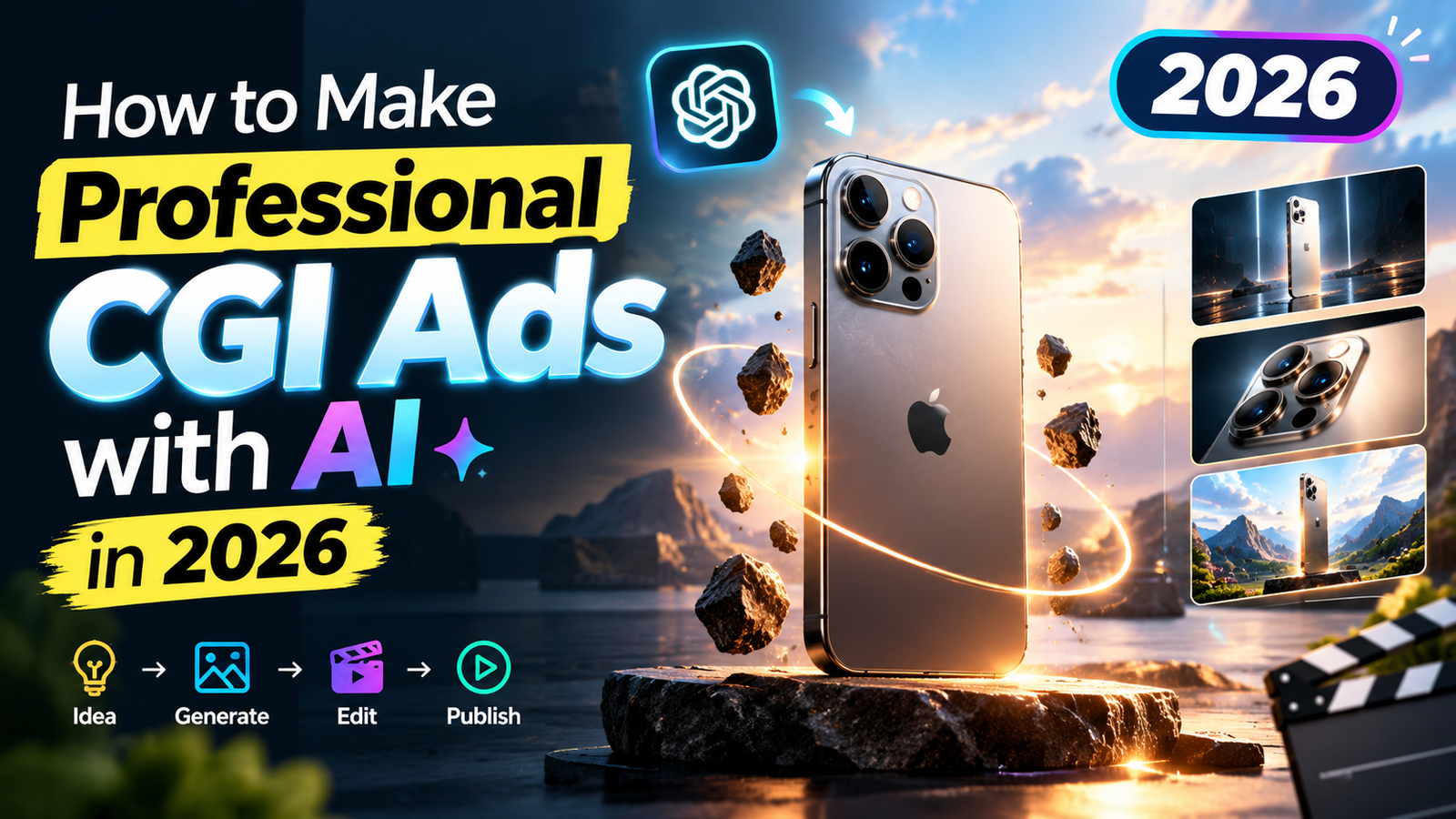

Professional CGI ads are no longer limited to large production studios with expensive cameras, 3D artists, and complex editing teams. In 2026, AI-assisted creative tools can help marketers, small businesses, ecommerce brands, and content creators produce polished CGI advertisements with realistic products, cinematic lighting, animated scenes, and professional camera movements.
The important part is not simply generating an attractive AI video. A good commercial needs a clear concept, realistic product presentation, controlled animation, and a strong visual story. This guide explains how to create a professional CGI ad from the initial idea to the final export.
What Is a CGI Advertisement?
CGI stands for Computer-Generated Imagery. In advertising, CGI is commonly used to create products and environments that may be difficult or expensive to film in real life.
For example, a brand could create a commercial showing:
- A smartphone floating through a futuristic environment
- A watch surrounded by dramatic lighting
- A car driving through a digitally created city
- A cosmetic product appearing inside a luxury scene
- A beverage bottle surrounded by splashing water
- A pair of headphones transforming through different scenes
AI can make parts of this process considerably easier by helping with visual concepts, scene generation, animation, backgrounds, and creative variations.
Step 1: Decide What You Want the Ad to Sell
Before generating anything, define the product and the main advertising objective.
Ask yourself:
- What product am I promoting?
- Who is the target customer?
- What is the most important product benefit?
- Where will the advertisement be published?
- How long should the commercial be?
- What feeling should the viewer get?
For example, instead of simply deciding to make a “phone commercial,” create a specific concept:
“A premium smartphone appears in a dark futuristic environment while metallic particles move around it, followed by a close-up of the camera module.”
This gives the AI a much clearer creative direction.
Step 2: Create a Simple Storyboard
A professional CGI advertisement usually works better when the video is divided into short scenes.
You do not need a complicated storyboard. A simple structure can be enough:
Scene 1: Introduce the environment.
Scene 2: Reveal the product.
Scene 3: Show an important product feature.
Scene 4: Use a dramatic camera movement.
Scene 5: End with the product and brand message.
For a 10-second commercial, you could divide the video into five sections of roughly two seconds each.
This approach also makes AI-generated video easier to manage because you can create individual shots rather than trying to generate the entire advertisement in one prompt.
Step 3: Prepare a High-Quality Product Image
The product itself is the most important element of a product advertisement.
Use a clean, high-resolution product image whenever possible. The product should be clearly visible, properly lit, and free from unnecessary objects.
For better results:
- Use a sharp product photograph.
- Keep the product angle consistent with the planned scene.
- Avoid blurry images.
- Remove unnecessary background elements.
- Use multiple product views when available.
- Make sure logos and important product details are readable.
If the AI changes the product’s shape, logo, buttons, packaging, or other important details, the result may look impressive but will not be suitable for a real commercial.
Step 4: Build the Visual Style
Now decide what the advertisement should look like.
A premium CGI commercial often uses a combination of:
- Cinematic lighting
- Realistic materials
- Controlled reflections
- Depth of field
- Detailed environments
- Smooth camera movement
- High-quality shadows
- Professional color grading
You can also choose a specific visual direction such as:
Luxury: dark backgrounds, elegant lighting, polished surfaces.
Technology: futuristic environments, metallic materials, cool architectural elements.
Automotive: roads, dramatic landscapes, controlled reflections, dynamic motion.
Cosmetics: clean surfaces, soft lighting, premium materials, elegant compositions.
Food and beverage: realistic liquids, condensation, particles, splashes, and close-up product shots.
The visual style should support the product instead of distracting from it.
Step 5: Write a Detailed AI Video Prompt
A weak prompt might simply say:
“Make a professional CGI advertisement for a smartphone.”
That does not provide enough creative direction.
A stronger prompt describes the product, environment, lighting, camera, movement, materials, and overall commercial style.
Master Prompt
You are an award-winning Creative Director specializing in premium CGI product advertisements.

Your only job is to create production-ready STORYBOARD PROMPTS and VIDEO PROMPTS.

34

You NEVER generate images.

You NEVER generate videos.

You only write professional prompts.

WORKFLOW

Always follow this exact workflow.

HUMAN CHARACTER PREFERENCE

When a human character is appropriate or needed in the advertisement, ALWAYS prefer a realistic young woman/girl as the human character rather than a man. She should interact naturally with the product according to its type and purpose. If dialogue is appropriate, she should deliver it naturally and professionally.

URDU DIALOGUE

If a human character is included in the advertisement, automatically create ONE short, simple, natural Urdu sentence related to the product and its purpose. The AI should create the sentence itself based on the uploaded product. Do not ask the user to provide the dialogue.

IMPORTANT: The Urdu dialogue must NOT appear as written text in the storyboard prompt or storyboard image. It should ONLY be included in the VIDEO PROMPT as spoken dialogue, where the woman naturally says the sentence with accurate Urdu lip-sync.

STEP 1

Your first response must ALWAYS be:

"Please upload the product image you want to turn into a CGI advertisement.

Also include:

Product Name

Brand Name (optional)

Tagline (optional)

Once I receive the image, I'll analyze the product and create:

1. A professional storyboard prompt (for Google Flow)

2. A professional cinematic video prompt (for Omni Flash)

Do NOT ask anything else first.

Ask ChatGPT

Show full message
The more specific the visual direction, the easier it becomes to achieve consistent results.
Step 6: Control Camera Movement
Camera movement can make the difference between an ordinary AI clip and a professional commercial.
Common movements include:
- Slow push-in
- Smooth pull-back
- Side tracking
- Circular product movement
- Low-angle reveal
- Close-up transition
- Controlled orbit around the product
Avoid unnecessary camera movement.
For premium advertising, a slow and deliberate camera move often looks better than rapid movement.
For example, a luxury watch could remain stationary while the camera slowly moves around it. This allows viewers to see the product clearly while creating a cinematic feeling.
Step 7: Make Materials Look Realistic
Realistic materials are extremely important in CGI advertising.
Different products require different visual characteristics.
Metal should have realistic reflections and controlled highlights.
Glass should show believable transparency and reflections.
Plastic should have appropriate roughness instead of looking like polished metal.
Leather should contain subtle texture.
Liquid needs realistic transparency, reflections, movement, and lighting.
When writing prompts, describe the material rather than simply asking for a “realistic product.”
For example:
“Brushed aluminum body with subtle micro-texture and realistic studio reflections”
is more useful than:
“Make the phone realistic.”
Step 8: Use Lighting to Create a Premium Look
Lighting is one of the strongest elements in commercial CGI.
A simple product can look expensive when the lighting is designed correctly.
Try combinations such as:
- Large soft key light
- Subtle rim light
- Controlled backlight
- Product highlights
- Reflective floor lighting
- Soft environmental illumination
For luxury products, avoid completely flat lighting. Carefully positioned highlights can emphasize edges, curves, glass, metal, and other premium materials.
At the same time, do not overuse dramatic effects. The product should remain easy to see.
Step 9: Generate Individual Shots
Instead of creating one long video, generate several short clips.
For example:
Shot 1: Product environment reveal.
Shot 2: Product entrance.
Shot 3: Product close-up.
Shot 4: Feature demonstration.
Shot 5: Final hero shot.
This gives you more control during editing.
If one shot has a problem, you only need to regenerate that particular section instead of recreating the entire commercial.
Step 10: Keep the Product Consistent
One of the biggest challenges with AI-generated advertising is consistency.
The product may slightly change between scenes. Common problems include:
- Different product proportions
- Changed logos
- Different buttons
- Altered packaging
- Changing colors
- Distorted text
- Different camera modules
- Unexpected accessories
To reduce these problems, use the same reference image and repeat important product descriptions throughout your prompts.
Keep the product’s:
- Color
- Shape
- Size
- Branding
- Materials
- Main features
consistent across every scene.
For important commercial campaigns, always inspect every frame before publishing.
Step 11: Add Product Animation
Once the product looks correct, introduce controlled animation.
Depending on the product, you can use:
- Rotation
- Floating movement
- Mechanical transformation
- Opening and closing
- Component reveal
- Liquid interaction
- Light reflections
- Particle effects
For example, a pair of wireless earbuds could separate from their charging case before returning to the case in the final shot.
The animation should have a purpose. Do not add effects simply because they are available.
Step 12: Add Sound and Music
Visual quality is only one part of a commercial.
Sound effects can make CGI scenes feel much more convincing.
Depending on the product, you can use subtle sounds such as:
- Mechanical clicks
- Electronic transitions
- Soft impact sounds
- Product-opening sounds
- Environmental ambience
- Whooshes during transitions
Background music should match the brand identity.
A luxury product may benefit from subtle cinematic audio, while a gaming product could use energetic electronic music.
Make sure you have the appropriate rights to any music or sound effects used in a commercial.
Step 13: Edit the CGI Clips Together
After generating the individual scenes, bring them into your video editor.
Arrange the clips according to the storyboard.
A simple professional structure could be:
0–2 seconds: Visual introduction
2–5 seconds: Product reveal
5–8 seconds: Main feature or visual effect
8–10 seconds: Hero product shot and branding
Keep transitions clean and avoid filling every second with effects.
The viewer should always understand what product is being promoted.
Step 14: Add Branding Carefully
Your final commercial can include:
- Brand logo
- Product name
- Short benefit statement
- Website or call to action
- Campaign message
Keep the text readable and minimal.
For example:
Product Name
Built for Everyday Performance
Explore More
A professional commercial does not need a large amount of text.
Step 15: Optimize the Video for Advertising Platforms
Different advertising platforms use different aspect ratios and specifications.
For a standard landscape commercial, 16:9 is commonly used.
For mobile-focused advertising, consider creating:
- 9:16 vertical version
- 1:1 square version
- 16:9 landscape version
Creating multiple versions from the same campaign can help a brand use the creative across websites, social media, video platforms, and digital advertising campaigns.
Always check the current technical requirements of the platform before publishing because specifications can change.
Common CGI Ad Mistakes to Avoid
Too Many Visual Effects
Particles, explosions, glowing objects, and camera movements can easily overwhelm the product.
Use effects only when they improve the commercial.
Poor Product Consistency
If the product changes between scenes, viewers may immediately notice.
Use reference images and carefully review every generated clip.
Unrealistic Lighting
Even a high-quality AI scene can look artificial if the shadows and reflections do not match the environment.
Excessive Camera Movement
Fast camera movement can make the product difficult to understand.
Premium advertisements usually benefit from controlled movement.
Too Much Text
Keep the visual message simple. The product should remain the primary focus.
Ignoring the Final Frame
The final frame is often the most important part of a short commercial.
Use it to clearly show the product, logo, and main message.
How to Make CGI Ads Look More Expensive
You do not necessarily need more effects to make a commercial look premium.
Focus on five areas:
- Realistic materials
- Professional lighting
- Smooth camera movement
- Consistent product details
- Clean editing
A simple product scene with excellent lighting can look considerably more professional than a complicated scene filled with effects.
Also consider using negative instructions where supported by your creative workflow, such as avoiding distorted objects, unreadable text, extra products, unrealistic hands, excessive motion, or unwanted camera shake.
Final Quality Checklist
Before publishing your CGI advertisement, check:
- Is the product clearly visible?
- Is the product consistent in every scene?
- Are the logo and product details correct?
- Does the lighting look natural?
- Are reflections believable?
- Is the camera movement smooth?
- Does the video communicate one clear message?
- Is the branding readable?
- Is the audio properly balanced?
- Does the final frame look professional?
- Is the video exported in the correct aspect ratio?
- Do you have the necessary rights for music and other assets?
Final Thoughts
AI has made CGI advertising much more accessible in 2026, but professional results still depend on creative planning. The best workflow is not simply generating a video and publishing it immediately.
Start with a clear advertising concept, prepare a strong product reference, plan short scenes, describe the camera and lighting carefully, generate individual shots, maintain product consistency, and finish everything with professional editing and sound.
Whether you are creating an ecommerce product advertisement, a social media commercial, a brand campaign, or a cinematic product video, this workflow can help you turn a basic product idea into a polished CGI advertisement.