
Introduction
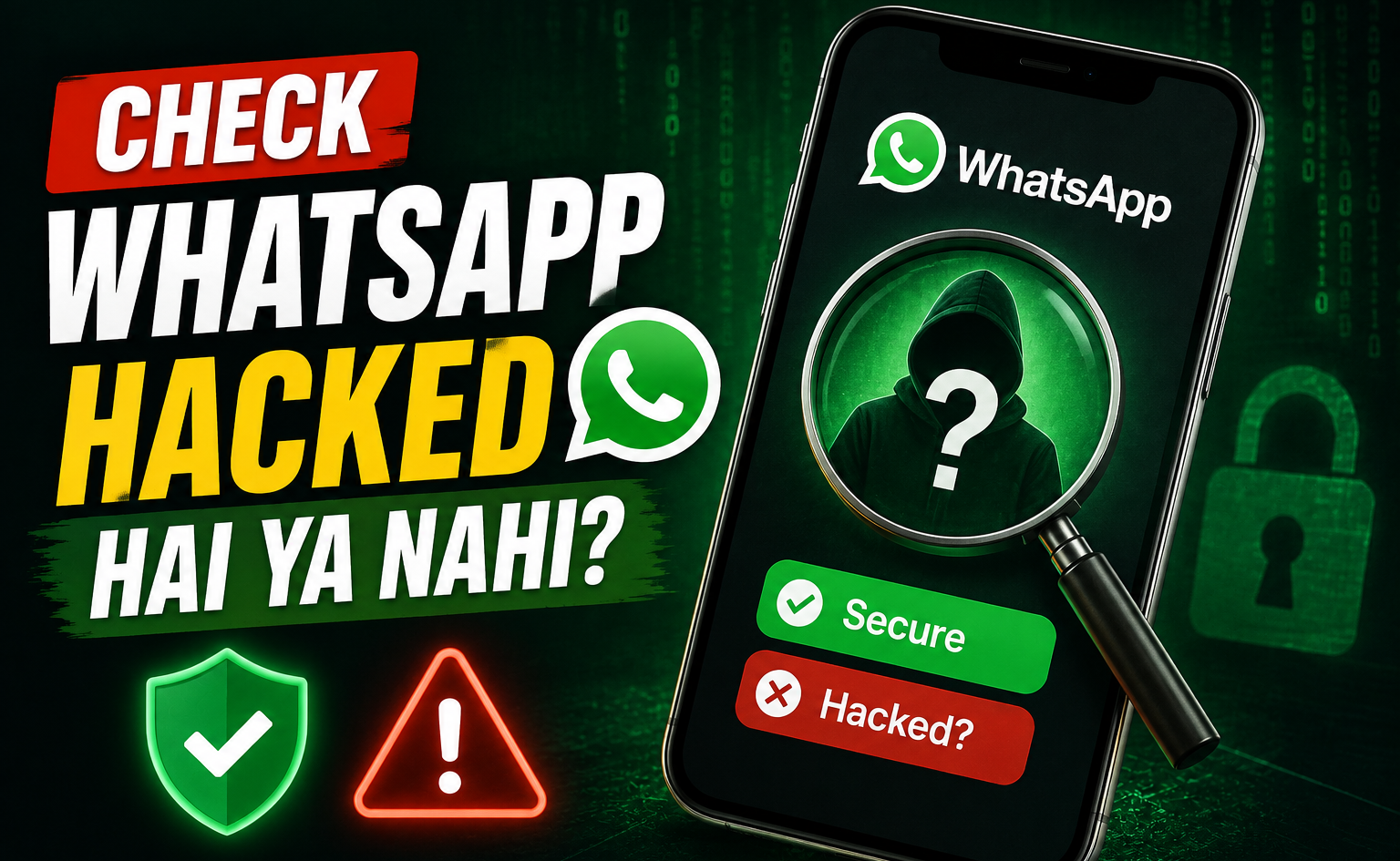
If you suddenly notice strange messages, an unknown device connected to your WhatsApp, or a verification code you never requested, you may wonder whether someone has accessed your account. The good news is that you can check several important security indicators yourself within a few minutes. In this guide, you will learn how to check if your WhatsApp account is hacked in 2026, what signs to look for, what to do if you find suspicious activity, and how to make your WhatsApp account more secure.
Is Your WhatsApp Account Actually Hacked?
Before assuming your WhatsApp account has been hacked, it is important to understand what “hacked” can mean.
Someone may have gained access to your account by linking an unauthorized device, obtaining your WhatsApp verification code, tricking you into approving a device connection, or gaining access to your phone. In some cases, however, an unusual message or notification may simply be a failed login attempt rather than a successful account takeover.
WhatsApp continues to add security protections against these attacks. In 2026, Meta introduced additional warnings designed to alert users when a device-linking request appears suspicious.
The most important thing is not to panic. Start with the checks below.
Step 1: Check WhatsApp Linked Devices
The Linked Devices section is one of the quickest ways to find out whether another computer, browser, tablet, or phone is connected to your WhatsApp account.
On Android
- Open WhatsApp on your phone.
- Tap the three-dot menu in the upper-right corner.
- Select Linked Devices.
- Review the devices listed on the screen.
- Check the device type and the last active time.
- Look for anything you do not recognize.
On iPhone
- Open WhatsApp.
- Go to Settings.
- Tap Linked Devices.
- Review every connected device.
- Check whether you recognize each one.
If you see your own laptop, tablet, or browser, there may be nothing wrong. However, if an unfamiliar device appears, treat it seriously.
What to Do If You Find an Unknown Device
Do not wait to investigate later.
- Tap the unfamiliar device.
- Select Log Out.
- Confirm the action if WhatsApp asks you to.
- Review the remaining linked devices again.
- Change your security settings afterward.
An unknown linked device can be particularly important because an attacker may not need to take over your entire phone to access your WhatsApp activity. Security researchers and Meta have warned about scams that trick users into linking an attacker’s device through deceptive messages, codes, or QR codes.
Step 2: Check for Messages You Did Not Send
Another important sign is activity inside your conversations that you do not remember creating.
Open your recent WhatsApp chats and look for:
- Messages you never wrote
- Replies you do not remember sending
- Groups you do not remember joining
- Messages that were deleted unexpectedly
- Links sent from your account without your permission
- Requests for money sent to your contacts
- Conversations with unfamiliar numbers
Ask a trusted contact whether they recently received an unusual message from your number.
If several people tell you that your WhatsApp account sent strange messages while you were not using it, take the situation seriously.
However, one unusual message does not automatically prove that your account was hacked. Your phone may have been used by someone else, or a message may have been sent accidentally.
Step 3: Watch for Unexpected WhatsApp Verification Codes
A WhatsApp verification code is important because it is used when registering or verifying your phone number.
If you receive a WhatsApp verification code that you did not request, do not share it with anyone.
Never send the code to someone who contacts you claiming to be:
- A WhatsApp employee
- A friend who “accidentally” sent the code
- A customer support representative
- A delivery company
- A bank employee
- A business representative
Scammers often use social engineering to convince people to reveal verification codes. WhatsApp itself advises users never to share their six-digit code and recommends enabling two-step verification.
Receiving a code alone does not necessarily mean someone successfully accessed your account. It can indicate that someone is attempting to register your number, so it is a warning that should not be ignored.
Step 4: Check Whether You Were Logged Out Unexpectedly
Pay attention if WhatsApp suddenly asks you to register your phone number again or indicates that your account is being used on another device.
This can be a serious warning sign, especially if you did not recently change phones, reinstall WhatsApp, or move your account.
If you are suddenly logged out and believe someone else registered your number, regain control by registering your phone number again using the verification process provided by WhatsApp.
Once you successfully verify your number, review your linked devices and security settings immediately.
Step 5: Check for Changes You Did Not Make
Review your WhatsApp profile and account settings.
Look for:
- An unfamiliar profile picture
- A changed About section
- Unexpected privacy changes
- Unknown linked devices
- Unfamiliar groups
- Security settings you did not configure
- Messages or status updates you never posted
A single changed profile picture may have an innocent explanation, but several unexpected changes together are more concerning.
Step 6: Check Your Phone for Suspicious Activity
Sometimes the problem is not WhatsApp itself. If someone has physical access to your unlocked phone, they may be able to open WhatsApp and read or send messages.
Check your phone for signs such as:
- Apps you do not remember installing
- Unknown accessibility services
- Unusual device administrator permissions
- Unexpected battery drain
- Abnormally high mobile data usage
- Frequent pop-ups
- Unknown VPN or profile settings
- Security warnings
These symptoms do not automatically mean spyware is installed. Many ordinary apps can cause battery or data problems. However, if several unusual signs appear at the same time, investigate further.
WhatsApp has also warned about sophisticated spyware and social-engineering attacks. In June 2026, Meta said WhatsApp had disrupted spear-phishing attempts linked to spyware and encouraged users to keep their apps and devices updated.
What to Do If Your WhatsApp Account Is Compromised
If you find an unknown linked device or clear evidence that someone is using your account, act quickly.
Step 1: Remove Unknown Linked Devices
Go to WhatsApp > Settings > Linked Devices and log out of every device you do not recognize.
Step 2: Secure Your Account
Open the account security settings and enable Two-Step Verification if it is not already active.
Create a PIN that is difficult for another person to guess. Avoid simple combinations such as your birthday, phone number, or repeated digits.
Add a recovery email if WhatsApp provides the option and make sure that email account itself is protected.
Step 3: Do Not Share Any Verification Code
If you receive another WhatsApp registration code, keep it private.
Even if someone claims to be helping you recover your account, do not give them the code.
Step 4: Warn Your Contacts
If someone has been sending messages from your account, tell close contacts that your account may have been compromised.
This is especially important if the attacker has sent:
- Money requests
- Investment offers
- Suspicious links
- Fake emergencies
- Requests for verification codes
Your contacts could otherwise believe the messages are genuinely from you.
Step 5: Update WhatsApp and Your Phone
Install the latest WhatsApp version available for your device and apply pending Android or iOS security updates.
Keeping software updated is an important part of protecting against known vulnerabilities and improving security defenses. Meta specifically recommends keeping WhatsApp and devices up to date when discussing sophisticated threats.
How to Enable Two-Step Verification on WhatsApp
Two-Step Verification adds another security layer when your WhatsApp account is being registered or re-verified.
The usual setup process is:
- Open WhatsApp.
- Go to Settings.
- Select Account.
- Tap Two-step verification.
- Choose Turn on.
- Create a six-digit PIN.
- Confirm the PIN.
- Add a recovery email if offered.
- Complete the setup.
Remember that this PIN is different from the SMS verification code.
Keep the PIN private and avoid using a number that other people can easily guess. WhatsApp has long recommended two-step verification as an additional layer of account protection.
Use WhatsApp Privacy Settings
Account security is not only about preventing someone from logging in. Your privacy settings can also reduce unwanted contact and exposure.
Review settings related to:
- Who can see your profile photo
- Who can see your About information
- Who can see your last seen and online status
- Who can add you to groups
- Calls from unknown numbers
- Status visibility
- Read receipts
- Live location sharing
WhatsApp also provides Privacy Checkup, which can help users review important privacy settings.
Turn On Strict Account Settings If You Need Extra Protection
In 2026, WhatsApp introduced Strict Account Settings, a stronger protection mode intended particularly for people who may face sophisticated cyberattacks.
Meta says the feature can automatically block attachments and media from unknown senders, silence calls from people you do not know, and restrict certain settings to provide stronger protection. It can be found through Settings > Privacy > Advanced, although availability may depend on the rollout and your account.
This is particularly worth considering if you regularly receive suspicious messages, work with sensitive information, or believe you could be a higher-risk target.
How to Protect Your WhatsApp From Future Hacking Attempts
Once your account is secure, focus on prevention.
Never Share Your WhatsApp Code
This is one of the most important rules.
Your verification code should remain private even if the person contacting you knows your name, phone number, or other personal details.
Be Careful With QR Codes
Never scan a QR code just because someone sends it to you through a message.
A QR code can potentially be used as part of a device-linking scam. Meta specifically warns that scammers may manipulate users into scanning a QR code or entering a device-linking code so that the scammer’s device becomes connected to the victim’s account.
Don’t Trust Urgent Messages
Scammers often create pressure by saying:
- “Send the code now.”
- “Your account will be deleted.”
- “Your friend is in trouble.”
- “You won a prize.”
- “Your payment is waiting.”
- “Verify your account immediately.”
Stop and verify the request independently before taking action.
Keep Your Phone Locked
Use a strong device PIN, password, fingerprint, or another reliable authentication method.
If someone can easily unlock your phone, your WhatsApp security can be weakened even if the account itself is properly configured.
Common Mistakes to Avoid
Avoid these mistakes if you want stronger WhatsApp account security:
- Sharing your six-digit verification code
- Sharing your two-step verification PIN
- Scanning unknown WhatsApp QR codes
- Leaving unfamiliar linked devices connected
- Installing modified versions of WhatsApp from unknown sources
- Ignoring unexpected verification messages
- Clicking suspicious links from unknown contacts
- Using an easy-to-guess security PIN
- Ignoring phone and app updates
- Giving unnecessary permissions to suspicious applications
Can Someone Read Your WhatsApp Messages Without You Knowing?
It is possible for someone to gain access through an unauthorized linked device or compromised device, but you should not assume that every strange phone behavior means someone is reading your chats.
Start with the Linked Devices check. If you find an unfamiliar session, remove it immediately.
Also remember that WhatsApp says personal messages and calls are protected by default end-to-end encryption. That protection does not mean your account or device can never be compromised. An attacker who gains access to a device or successfully tricks a user into authorizing a linked device can create a different security problem.
Final Thoughts
Knowing how to check if your WhatsApp account is hacked in 2026 can help you detect suspicious activity before it turns into a bigger privacy or security problem. The quickest place to start is Linked Devices, followed by checking your messages, verification codes, profile settings, and recent account activity.
If you find something suspicious, don’t panic. Remove unknown devices, enable two-step verification, protect your phone, update WhatsApp, and warn your contacts if necessary. Most importantly, never share your WhatsApp verification code or security PIN with anyone.
Visit More
WhatsApp security is not just about using one feature. It is a combination of strong account settings, careful behavior, updated software, and awareness of modern scams. Taking a few minutes today to check your account can save you from much bigger problems later.