
Introduction
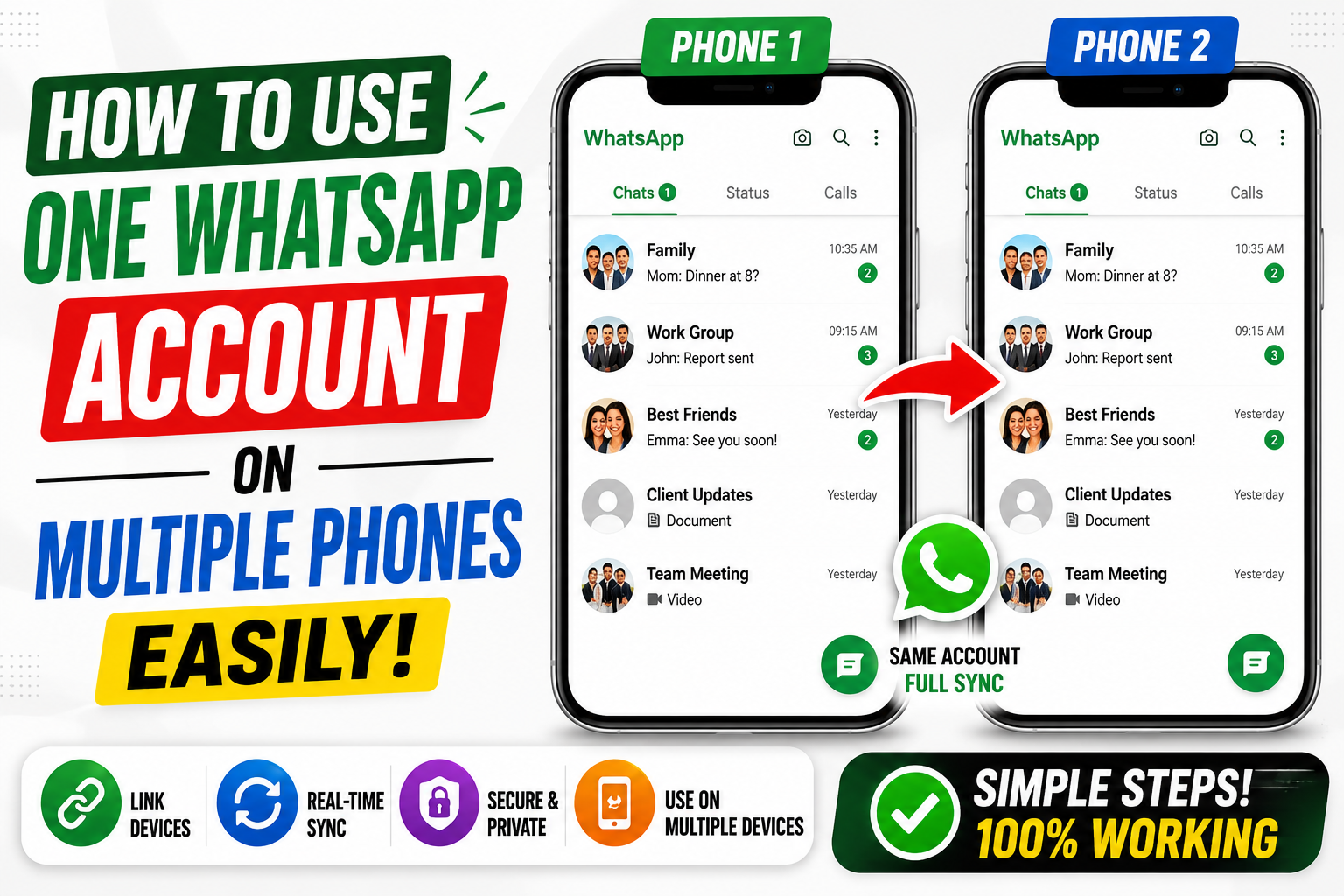
WhatsApp has become an essential communication app for personal chats, business conversations, and daily sharing. In 2026, many users want to use a single WhatsApp account on multiple phones for convenience, flexibility, and easier access across devices. The growing popularity of multi WhatsApp features has made this possible without needing risky third-party apps or complicated setups.
Whether you use two smartphones for work and personal use or simply want easier access on another device, WhatsApp now offers safer and simpler ways to connect multiple phones to one account.
What Is Multi WhatsApp?
Multi WhatsApp refers to the ability to use one WhatsApp account across multiple devices at the same time. Instead of logging out repeatedly or switching accounts manually, users can connect secondary phones and access chats more conveniently.
Main Purpose of Multi WhatsApp
• Access one account on multiple phones
• Improve communication flexibility
• Manage work and personal devices easily
• Sync messages across devices
• Reduce login switching problems
Who Uses Multi WhatsApp Features
• Business users
• Social media managers
• People with multiple smartphones
• Travelers using backup devices
• Users wanting easier device access
Why It Became Popular
• Better device syncing features
• Official WhatsApp linked device support
• Increased remote work and communication needs
• Improved multi-device technology
• Easier account management
Key Features of Multi WhatsApp Support
Modern WhatsApp multi-device features are much more advanced than older methods.
Main Features
• Use one account on multiple phones
• Sync chats automatically
• Independent device access
• End-to-end encryption support
• Real-time message updates
• Linked device management
• Easy QR code connection
• Cross-device communication support
These features make multi-device usage smoother and more secure.
How to Use One WhatsApp Account on Multiple Phones
WhatsApp officially supports linked devices, making the process much easier.
Step 1: Install WhatsApp on the Second Phone
• Download WhatsApp from the official app store
• Open the app on the secondary device
• Select the language and continue setup
Step 2: Choose “Link to Existing Account”
Instead of entering your number directly:
• Tap the menu icon
• Select “Link as Companion Device” or similar option
• A QR code will appear on the second phone
Step 3: Open WhatsApp on Your Main Phone
On your primary device:
• Open WhatsApp settings
• Tap “Linked Devices”
• Select “Link a Device”
• Scan the QR code from the second phone
Step 4: Wait for Device Syncing
WhatsApp will begin syncing messages and account data.
This may take a few moments depending on:
• Internet speed
• Chat history size
• Device performance
After syncing, both phones can access the same account.
Benefits of Using Multi WhatsApp
Using one account across multiple devices offers several practical advantages.
Main Benefits
• Easier communication management
• Faster access from different devices
• Better work and personal organization
• Reduced device switching
• Improved flexibility for travelers
Quick Benefits Summary
• Convenient device access
• Real-time syncing
• Official WhatsApp support
• Beginner-friendly setup
Latest Multi WhatsApp Trends in 2025–2026
WhatsApp continues improving multi-device functionality.
Recent Improvements
• Faster device synchronization
• Better security protection
• Improved battery optimization
• More stable linked device support
• Independent phone connectivity
• Enhanced cross-device performance
These updates make multi-device usage smoother than before.
Important Safety Tips
Users should always prioritize account security while using multiple devices.
Recommended Safety Practices
• Use official WhatsApp versions only
• Enable two-step verification
• Review linked devices regularly
• Remove unknown connected devices
• Keep phone software updated
Security Risks to Avoid
• Using unofficial modified apps
• Sharing QR codes carelessly
• Logging into unknown devices
• Ignoring suspicious login alerts
• Using weak passwords
Proper security habits help protect personal chats and account privacy.
Pros of Multi WhatsApp Features
| Pros | Description |
|---|---|
| Easy Device Access | Use one account across phones |
| Official WhatsApp Support | Safer than unofficial methods |
| Real-Time Syncing | Messages update quickly |
| Flexible Communication | Manage chats more conveniently |
| Secure Encryption | Chats remain protected |
| Useful for Business Users | Easier communication management |
Cons of Multi WhatsApp Features
| Cons | Description |
|---|---|
| Internet Dependency | Requires active internet |
| Sync Delays | Some messages may sync slowly |
| Battery Usage | Multiple devices may use more power |
| Device Limits | WhatsApp restricts linked devices |
| Security Risks | Unsafe device sharing may cause problems |
Alternatives to Multi WhatsApp Setup
| Alternative | Description |
|---|---|
| WhatsApp Web | Access chats through browser |
| WhatsApp Desktop | Use WhatsApp on computers |
| Business WhatsApp | Separate account for business |
| Dual Apps Feature | Clone apps on supported phones |
| Companion Device Support | Official linked device feature |
These options help users manage communication more efficiently.
Why People Prefer Multi WhatsApp
The demand for multi-device messaging continues growing.
Common Reasons
• Work and personal device management
• Faster communication access
• Backup device usage
• Easier remote communication
• Improved convenience for busy users
Multi-device flexibility has become very important in modern digital life.
Mistakes to Avoid
Many users accidentally create problems while linking devices.
• Using unofficial WhatsApp versions
• Linking devices on public networks
• Ignoring account security settings
• Sharing account verification codes
• Forgetting to remove old devices
• Connecting to suspicious phones
Avoiding these mistakes improves account safety and performance.
Is Multi WhatsApp Safe?
Yes, using official WhatsApp multi-device support is generally safe when users follow proper security practices. WhatsApp uses end-to-end encryption to protect conversations across linked devices.
The safest approach is using only official apps and monitoring connected devices regularly.
Final Thoughts
The ability to use one WhatsApp account on multiple phones has become much easier thanks to modern multi WhatsApp features and official linked device support. Whether for work, travel, or convenience, multi-device access helps users stay connected without constantly switching phones.
Iphone App
By following proper setup methods and strong security habits, users can enjoy a safer and more flexible WhatsApp experience across multiple devices.
Disclaimer
This article is for informational and educational purposes only. Features and device compatibility may vary depending on WhatsApp updates, operating systems, and regional availability. Users should always follow official platform guidelines and security recommendations.




App
Ali
“Hello, please help me recover/open my WhatsApp account.
My business and important contacts are on WhatsApp.
Please solve my issue as soon as possible. Thank you
“Hello, my WhatsApp account is not opening.
Please help me fix this issue quickly because I use WhatsApp for my business and important contacts. Thank you.”
?
Multi WhatsApp refers to the ability to use one WhatsApp account across multiple devices at the same time. Instead of logging out repeatedly or switching accounts manually, users can connect secondary phones and access chats more conveniently.
Main Purpose of Multi WhatsApp
• Access one account on multiple phones
• Improve communication flexibility
• Manage work and personal devices easily
• Sync messages across devices
• Reduce login switchi
چرا واتساپ من را دانلود میکنم باز هم جور نمیشه