
Introduction
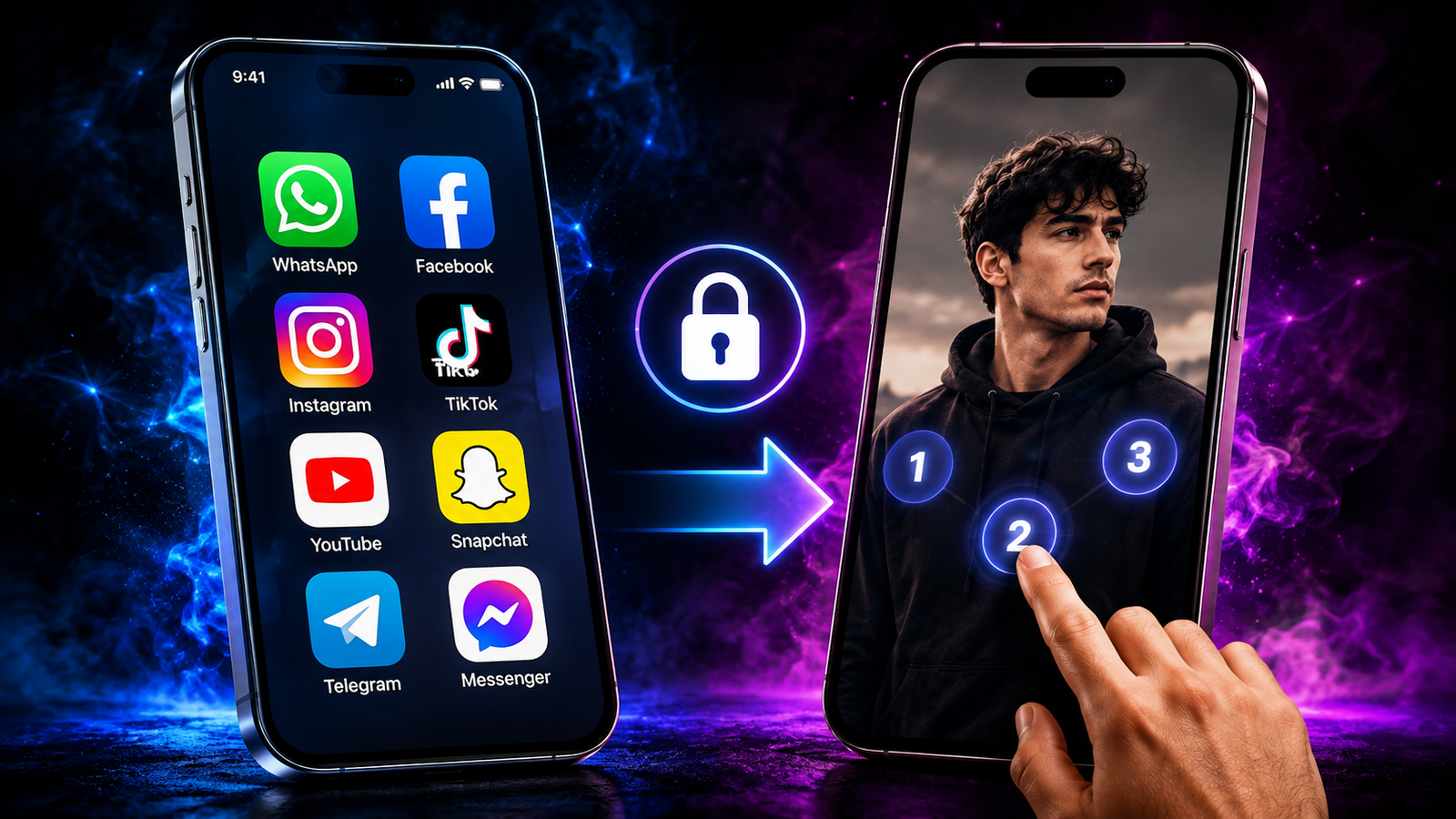
Personalizing your smartphone has become more exciting than ever, and one of the most popular customization trends in 2026 is using your own photo as an app lock screen. Instead of unlocking protected apps with a plain password page, you can display your favorite picture while keeping your apps secure. Whether it’s a family photo, a selfie, or a beautiful wallpaper, adding your own image makes your phone feel more personal without compromising security.
In this guide, you’ll learn how to add your picture as an app lock screen in 2026, explore its features, benefits, customization options, and important safety tips for protecting your privacy.
What Is a Picture App Lock?
A Picture App Lock is a security feature that lets users customize the lock screen of an app using their own photo while protecting access with a PIN, password, pattern, or fingerprint. Instead of seeing a standard lock screen every time you open a protected app, you’ll see a personalized background image.
Many modern app lock applications now include advanced customization features that allow users to change themes, wallpapers, icons, animations, and lock screen backgrounds without affecting the security of the device.
This feature is popular among users who enjoy customizing their smartphones while keeping private apps protected.
Who Uses Picture App Locks?
Picture app locks are useful for many different users, including:
- People who value privacy
- Students protecting study materials
- Parents securing personal information
- Professionals protecting work-related apps
- Social media users
- Content creators
- Anyone who enjoys smartphone customization
Why Is It Popular in 2026?
As smartphones become more personal, users want security features that also look attractive. Instead of using the same plain lock screen every day, customized app locks provide both style and protection.
Many newer Android devices also support smoother animations, higher-resolution wallpapers, and improved fingerprint security, making personalized lock screens more appealing than ever.
Key Features of Picture App Lock Apps
Modern app lock applications offer much more than simply locking apps. They combine security, personalization, and convenience into one experience.
Some of the most useful features include:
- Set your own picture as the app lock background
- PIN lock protection
- Pattern lock security
- Fingerprint authentication
- Face unlock support on compatible devices
- Custom wallpapers
- Multiple lock themes
- Blur background effects
- Hidden pattern option
- Intruder selfie feature
- Fake crash screen protection
- Automatic relocking
- Lock newly installed apps
- Privacy protection for notifications
- Lightweight and fast performance
- Dark mode support
- Smooth user interface
- Backup security settings
These features allow users to personalize their phones while maintaining strong protection for sensitive information.
Benefits of Using Your Picture as an App Lock Screen
Using your own picture as an app lock screen provides more than visual customization. It also improves your overall smartphone experience.
A personalized lock screen creates a unique appearance that reflects your personality. At the same time, the security features continue protecting important applications from unauthorized access.
Many users enjoy seeing family photos, travel memories, pets, artwork, or favorite wallpapers whenever they unlock protected apps.
Main Benefits
- Makes your phone look more personal
- Adds a unique style to app security
- Keeps private apps protected
- Supports multiple security methods
- Easy to customize
- Creates a more enjoyable user experience
- Works with most Android devices
- Helps organize privacy settings
- Allows different themes for different preferences
- Quick to set up and change
For many users, personalization increases satisfaction because the device feels more unique instead of looking identical to everyone else’s phone.
How to Add Your Picture as an App Lock Screen
Although different applications may have slightly different menus, the general process is very simple.
Step 1: Install a Trusted App Lock
Choose a reliable app lock application that supports custom lock screen backgrounds and regular security updates.
Step 2: Grant Required Permissions
Allow only the permissions necessary for the app to function properly. These typically include accessibility permissions or overlay permissions depending on your device.
Step 3: Create Your Security Method
Choose your preferred security option.
- PIN
- Password
- Pattern
- Fingerprint (if supported)
Step 4: Open Theme or Background Settings
Most app lock applications include a customization or theme section where you can change the lock screen appearance.
Step 5: Select Your Favorite Picture
Choose any image from your phone’s gallery.
Popular choices include:
- Personal selfies
- Family photos
- Nature wallpapers
- Pets
- Travel memories
- Abstract artwork
- Minimal wallpapers
Step 6: Adjust the Picture
Crop or reposition the image if necessary so it fits perfectly on the lock screen.
Step 7: Save the Changes
Apply the settings and test the lock screen by opening one of the protected applications.
Your personalized app lock screen is now ready.
Tips for Choosing the Best Lock Screen Picture
Not every image works equally well. Selecting the right picture improves both appearance and usability.
Consider choosing:
- Bright but not overly colorful images
- High-resolution photos
- Images without too much text
- Clean backgrounds
- Pictures that don’t hide the lock controls
- Photos that reflect your personal style
Avoid extremely dark images because they may make the PIN or pattern difficult to see.
Latest Updates and Improvements in 2026
App lock applications continue improving every year with stronger security and better customization.
Some of the latest improvements include:
- Faster fingerprint recognition
- Better face unlock compatibility
- Improved customization options
- Smoother lock screen animations
- Higher-quality wallpaper support
- Better battery optimization
- Stronger privacy protection
- Improved notification security
- Enhanced compatibility with newer Android versions
- Faster app launching after authentication
- Improved stability
- Reduced memory usage
- Better backup and restore options
- More lock screen themes
- Improved accessibility support
Developers are also focusing on making customization easier, allowing users to switch between wallpapers and themes with just a few taps.
Another growing trend is adaptive lock screen themes that automatically adjust colors based on the selected wallpaper, creating a cleaner and more attractive appearance.
The combination of personalization and stronger security has made picture app locks one of the most popular smartphone customization features in 2026.
Download and Installation Tips
If you want the best experience, always choose a trusted app that receives regular updates and follows good privacy practices. Since an app lock protects your personal information, selecting a reliable application is just as important as choosing a strong password.
Safe Download Tips
- Download the app only from trusted and official app stores.
- Read recent user reviews before installing.
- Check whether the developer regularly releases updates.
- Verify that the app has good ratings and a large number of downloads.
- Avoid modified or unofficial versions from unknown sources.
- Make sure your device has enough storage before installation.
Installation Tips
After installing the app, follow these simple steps for a smooth setup:
- Open the app and complete the initial setup.
- Create a strong PIN, password, or pattern.
- Enable fingerprint authentication if your phone supports it.
- Allow only the permissions required for the app to work properly.
- Select the apps you want to protect.
- Choose your favorite picture from the Gallery.
- Adjust the image so it fits perfectly on the lock screen.
- Save the settings and test the lock screen before using it regularly.
Important Safety Warning
While many app lock applications are safe, some unofficial versions can pose serious security risks. Installing apps from unknown sources may expose your device to malware, privacy issues, or poor performance.
Possible risks include:
- Malware that can harm your device.
- Theft of personal information.
- Unnecessary access to your contacts, photos, or files.
- Frequent crashes and unstable performance.
- Excessive advertisements and unwanted notifications.
Safety Tips
To keep your device secure while using an app lock, remember these simple precautions:
- Install apps only from trusted sources.
- Keep the app updated to the latest version.
- Review app permissions regularly.
- Never share your PIN or password with others.
- Enable biometric security whenever available.
- Remove apps you no longer use.
- Keep Android security updates installed.
Comparison with Similar Apps
| Picture App Lock | Similar Apps |
|---|---|
| Supports custom lock screen photos | Some apps only offer default backgrounds |
| Easy customization with personal images | Customization options vary by application |
| Multiple security methods including fingerprint | Some apps support only PIN or Pattern |
| Clean and beginner-friendly interface | Interface quality depends on the developer |
| Regular feature improvements | Update frequency differs between apps |
| Balanced security and personalization | Some apps focus only on security features |
Pros
| Pros | Description |
|---|---|
| Personalized Lock Screen | Display your own photo while protecting private apps. |
| Easy Setup | Can be configured within a few minutes. |
| Strong Security | Supports PIN, Pattern, Password, and Fingerprint protection. |
| User-Friendly Interface | Suitable for both beginners and experienced users. |
| Attractive Customization | Gives your smartphone a unique and personal look. |
| Regular Updates | Many trusted apps receive security and performance improvements. |
Cons
| Cons | Description |
|---|---|
| Premium Features | Some advanced customization options may require payment. |
| Permission Access | App lock features require certain Android permissions. |
| Battery Usage | Continuous protection may slightly increase battery consumption. |
| Device Compatibility | Some features work only on newer Android versions. |
| Advertisements | Free versions may display ads. |
| Learning Curve | New users may need a little time to explore all settings. |
User Tips for the Best Experience
A few simple habits can make your personalized app lock both safer and more attractive.
- Use a high-quality image for a cleaner appearance.
- Avoid wallpapers that make the unlock buttons difficult to see.
- Change your lock screen picture occasionally for a fresh look.
- Use fingerprint unlock for faster access.
- Protect important apps like Gallery, Messages, Banking, and Social Media.
- Keep enough storage available for smooth performance.
- Back up your important data regularly.
- Update the app whenever a new version becomes available.
- Test your lock screen after changing security settings.
- Avoid installing multiple app lock applications at the same time.
Is a Picture App Lock Worth It?
If you enjoy customizing your smartphone while keeping your private apps secure, a picture app lock is definitely worth considering. It combines personalization with practical security, making your phone both stylish and protected.
Modern app lock applications are designed to be lightweight, easy to use, and compatible with most Android devices. They provide several security options while allowing you to create a lock screen that reflects your personality.
Who Should Use It?
- Users who want extra privacy for personal apps.
- Students protecting study materials and notes.
- Professionals securing work-related applications.
- Parents who share their phones with children.
- Social media users who want additional account protection.
- Anyone who enjoys personalizing their smartphone.
Who May Not Need It?
- Users who rely only on the phone’s built-in security.
- People who rarely share their devices with others.
- Users with very old Android devices that may not support newer customization features.
Conclusion
Adding your own picture as an app lock screen is one of the easiest ways to make your smartphone feel more personal while improving privacy. In 2026, app lock applications offer advanced customization options, multiple security methods, and smooth performance, making them suitable for both new and experienced Android users.
Get Now
By choosing a trusted application, using a strong authentication method, and following basic security practices, you can enjoy a personalized lock screen without compromising your privacy. Whether you prefer a favorite family photo, a scenic wallpaper, or a creative design, a customized app lock gives your device a unique identity while keeping your important apps safe and secure.





Benefits of Using Your Picture as an App Lock Screen