
Introduction
Pop-up ads have become one of the most annoying problems smartphone users face today. They can interrupt browsing, appear over apps, slow down device performance, and sometimes even lead to security risks. In 2026, mobile advertising has become more advanced, making it important for users to know how to identify and block unwanted pop-up ads safely. In his artical You also know best ads Blocker App. Understanding the right methods can improve both your phone’s performance and your overall user experience.
What Are Pop-Up Ads ?
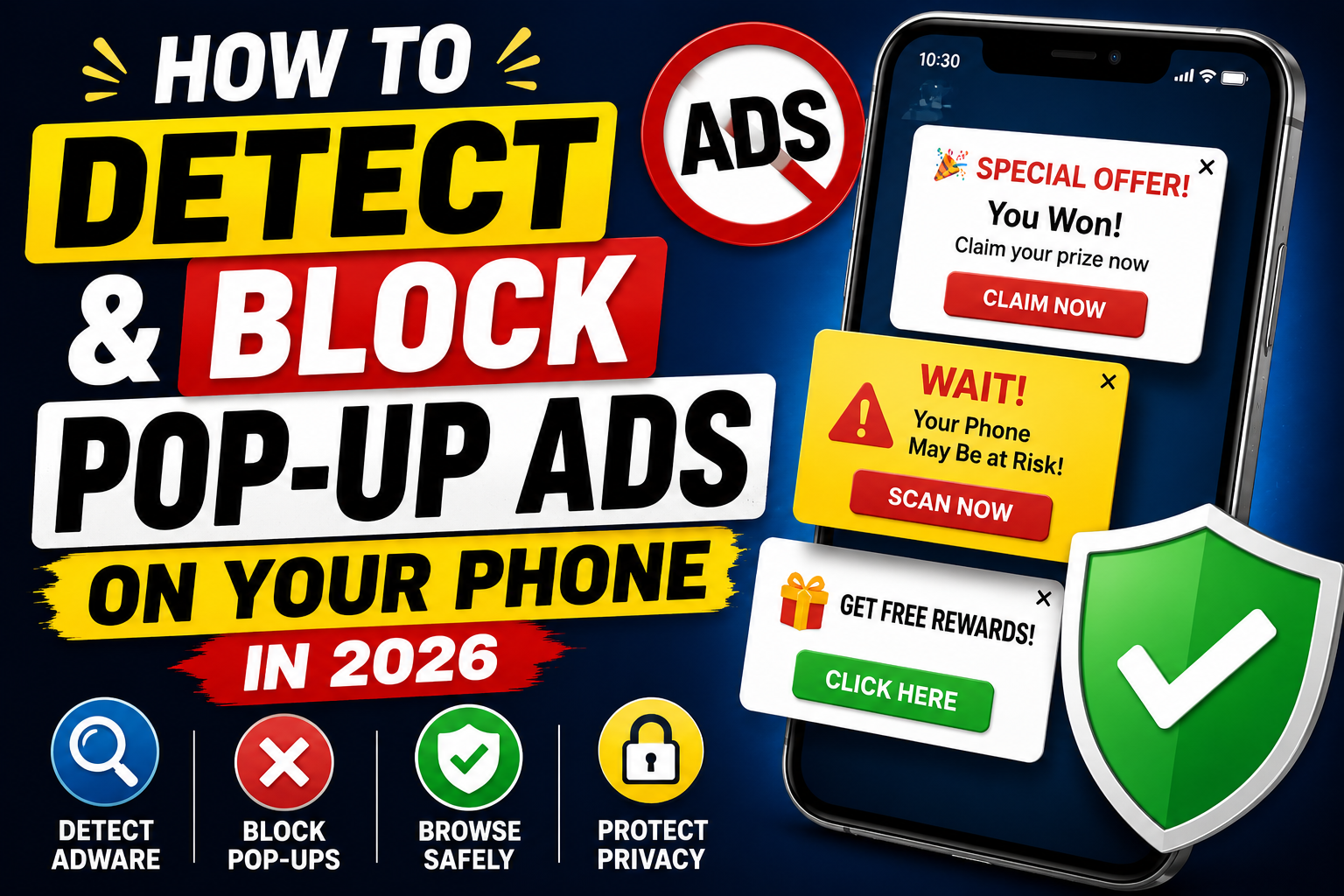
Pop-up ads are advertisements that suddenly appear on your phone screen while using apps, browsing websites, or even when the device is idle. Some pop-ups are legitimate advertisements, while others may be misleading or potentially harmful.
Common Types of Pop-Up Ads
• Browser pop-up advertisements
• Full-screen ads inside apps
• Notification-based advertisements
• Redirect advertisements
• Fake virus warning pop-ups
• Subscription scam pop-ups
Why Do Pop-Up Ads Appear?
• Free apps supported by advertising
• Unsafe websites
• Adware-infected applications
• Browser notification permissions
• Malicious software installations
Signs That Your Phone Has Excessive Pop-Up Ads
Many users do not realize that unusual advertising behavior can indicate a problem.
Common Warning Signs
• Ads appear even when no app is open
• Frequent browser redirects
• Unknown notifications appearing regularly
• Phone performance becomes slower
• Battery drains faster than normal
• Random apps open automatically
These symptoms often suggest adware or aggressive advertising practices.
Key Features of Modern Ad Blocking Solutions
Ad-blocking tools have improved significantly in recent years.
Main Features
• Pop-up ad detection
• Browser advertisement blocking
• Malicious website protection
• Tracker blocking
• Privacy enhancement tools
• Notification filtering
• Real-time scanning systems
• Adware detection capabilities
These features help users enjoy a cleaner and safer mobile experience.
How to Detect Pop-Up Ads on Your Phone
Check Recently Installed Apps
Many pop-up problems start after installing a new application.
Steps:
• Open phone settings
• Go to installed applications
• Sort by recently installed apps
• Look for unfamiliar applications
• Uninstall suspicious apps
Review Notification Permissions
Some websites and apps abuse notification permissions.
Check for:
• Excessive notifications
• Unknown websites sending alerts
• Repetitive promotional messages
Disable permissions that seem suspicious.
Use Built-In Security Features
Most modern Android and iPhone devices include security tools that help detect harmful applications.
Benefits:
• Automatic scanning
• Suspicious app detection
• Security recommendations
• Malware warnings
How to Block Pop-Up Ads on Android
Android users have several effective options.
Disable Browser Pop-Ups
Most browsers allow pop-up blocking.
General steps:
• Open browser settings
• Find site settings
• Locate pop-up options
• Enable pop-up blocking
Remove Suspicious Apps
Uninstall apps that:
• Show excessive ads
• Request unnecessary permissions
• Cause sudden performance issues
Use Safe Browsing Features
Modern browsers include:
• Fraud protection
• Dangerous site warnings
• Advertisement filtering tools
How to Block Pop-Up Ads on iPhone
Apple devices also offer built-in protection.
Enable Pop-Up Blocking
Steps:
• Open Settings
• Select Safari
• Enable Block Pop-ups
• Turn on Fraudulent Website Warning
Review App Permissions
Check:
• Notification permissions
• Background activity permissions
• Installed profiles and extensions
Removing unnecessary permissions often reduces advertising problems.
Benefits of Blocking Pop-Up Ads
Blocking unwanted advertisements offers several advantages.
Main Benefits
• Faster browsing experience
• Better privacy protection
• Reduced battery consumption
• Improved device performance
• Fewer distractions
• Lower risk of scam advertisements
Quick Benefits Summary
• Cleaner phone experience
• Increased security
• Faster app performance
• Better user satisfaction
Recent Trends in 2025–2026
Mobile advertising technology continues evolving.
Latest Developments
• Smarter ad-blocking systems
• AI-powered scam detection
• Enhanced privacy protections
• Better browser security tools
• Stronger anti-tracking features
• Improved mobile security integration
Manufacturers now focus heavily on balancing advertising with user privacy.
Pros of Blocking Pop-Up Ads
| Pros | Description |
|---|---|
| Better Security | Reduces exposure to scam ads |
| Faster Performance | Improves browsing speed |
| Less Distraction | Cleaner mobile experience |
| Improved Privacy | Blocks many tracking systems |
| Better Battery Life | Reduces background activity |
| Enhanced User Experience | Makes devices easier to use |
Cons of Blocking Pop-Up Ads
| Cons | Description |
|---|---|
| Some Websites May Break | Certain site features rely on pop-ups |
| Limited Free Content Support | Ads help fund many websites |
| Possible Compatibility Issues | Some tools may conflict with apps |
| Setup Required | Initial configuration may take time |
| Not 100% Effective | Some ads may still appear |
Alternatives to Traditional Ad Blockers
| Alternative | Description |
|---|---|
| Browser Privacy Settings | Built-in protection features |
| Secure Browsers | Enhanced privacy-focused browsing |
| App Permission Controls | Restricts advertising access |
| DNS-Based Filtering | Blocks many ad servers |
| Safe Browsing Practices | Avoids risky websites |
These alternatives can reduce advertising without requiring dedicated ad-blocking apps.
Why You Should Block Excessive Pop-Up Ads
Excessive advertising affects more than convenience.
Important Reasons
• Protect personal information
• Improve browsing speed
• Reduce malware risks
• Prevent scam attempts
• Increase device performance
• Enhance privacy protection
A cleaner phone environment helps users stay productive and secure.
Mistakes to Avoid
Many users accidentally make advertising problems worse.
• Granting notification permissions to unknown sites
• Installing apps from untrusted sources
• Clicking fake virus warnings
• Ignoring security updates
• Allowing unnecessary app permissions
• Visiting suspicious websites regularly
Avoiding these mistakes significantly improves device security.
How to Block Ads Using a Pop-Up Ads Detector and Blocker App
Pop-up ads can appear because of adware, unsafe websites, or apps that display aggressive advertisements. A Pop-Up Ads Detector and Ads Blocker App can help identify the source and stop unwanted ads from appearing on your screen.
Step 1: Install a Trusted Detector and Ads Blocker App
Download a reliable pop-up ads detector and blocker app from an official app store. Avoid downloading apps from unknown sources because they may contain malware or unwanted software.
Step 2: Open the App and Grant Required Permissions
Launch the app after installation and allow the necessary permissions. These permissions help the app monitor which applications or websites are generating unwanted pop-up advertisements.
Step 3: Perform a Full Device Scan
Start a complete scan of your smartphone. The app will examine installed applications, browser settings, notifications, and background processes that may be responsible for displaying ads.
Step 4: Review the Scan Results
After the scan finishes, carefully review the results. The app may identify:
• Adware-infected apps
• Suspicious applications
• Apps with excessive advertising
• Websites sending spam notifications
• Hidden background processes
Step 5: Remove Problematic Applications
Uninstall any apps that are causing pop-up ads. If you’re unsure about an app, check when it was installed and whether the ads started appearing afterward.
Step 6: Block Ad Notifications
Many pop-up ads come through browser notifications.
To stop them:
• Open browser settings
• Go to Notifications
• Remove unknown websites
• Block suspicious notification requests
Step 7: Enable Real-Time Protection
Most detector apps offer real-time monitoring. Turn this feature on so the app can automatically detect and block future pop-up ads before they appear.
Step 8: Clear Browser Cache and Data
Clearing browser data can remove advertising scripts and unwanted tracking files.
Benefits include:
• Faster browsing
• Fewer redirects
• Reduced spam notifications
• Better privacy protection
Step 9: Restart Your Device
Once suspicious apps are removed and protection is enabled, restart your phone. This helps stop any remaining ad-related processes running in the background.
Step 10: Scan Regularly
For long-term protection:
• Run weekly scans
• Keep the blocker app updated
• Avoid unknown app downloads
• Review permissions regularly
• Install security updates promptly
Following these steps can significantly reduce unwanted pop-up ads and help keep your Android or iPhone running smoothly and securely.
Is It Safe to Use Ad Blocking Tools?
Yes, most reputable ad-blocking solutions are safe and designed to improve privacy and security. However, users should choose trusted applications and avoid unknown tools making unrealistic claims.
Always review permissions before installing any security-related software.
Final Thoughts
Pop-up ads can be frustrating, distracting, and sometimes dangerous. Fortunately, modern smartphones provide multiple ways to detect and block unwanted advertisements. By reviewing app permissions, using built-in browser protections, removing suspicious applications, and practicing safe browsing habits, users can significantly reduce advertising problems.
Taking a few minutes to secure your phone today can lead to a faster, safer, and more enjoyable mobile experience throughout 2026 and beyond.
Download
Disclaimer
This article is for informational and educational purposes only. Ad-blocking effectiveness may vary depending on the device, browser, operating system, and advertising methods used. Users should always follow device security best practices and use trusted applications.