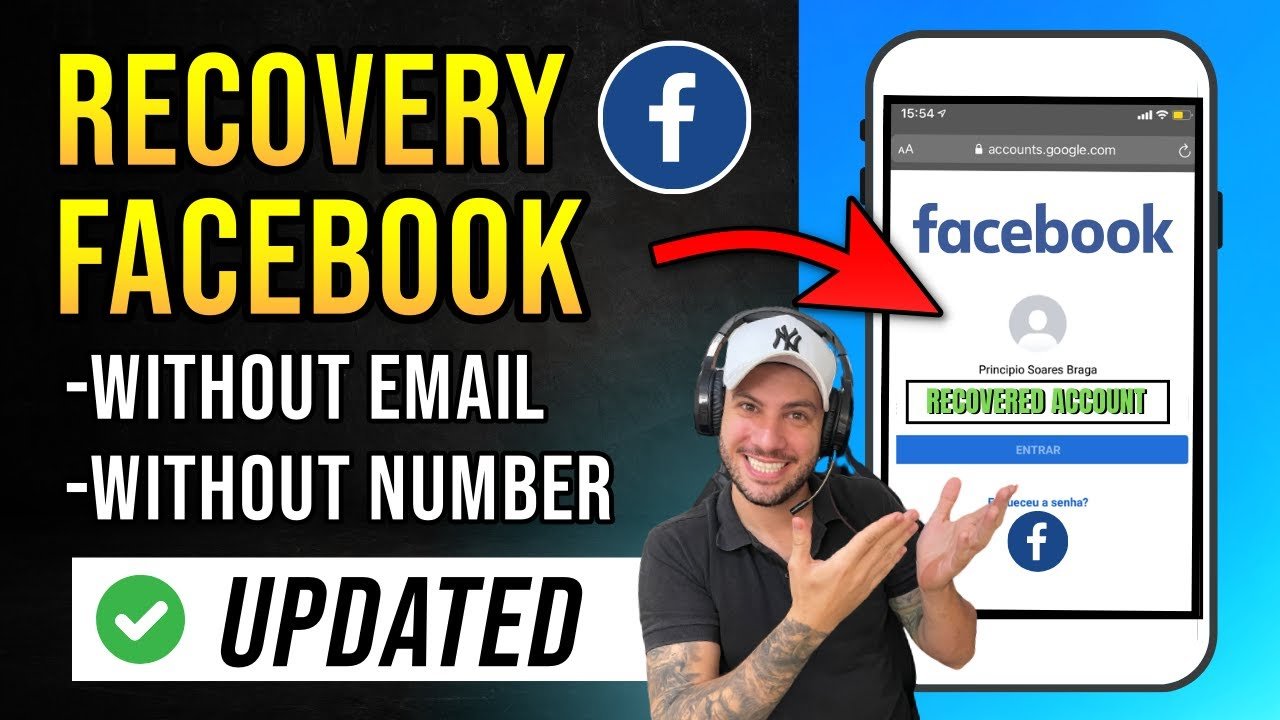

Have you ever tried logging into Facebook only to find you can’t remember your password — or worse, your email no longer works? You’re not alone. Millions of people face this problem every year.
The good news is that Facebook offers several ways to recover your account, even if you’ve lost access to your email or phone number. In this guide, you’ll learn exactly how to get back into your old Facebook account step by step — no technical skills required.
What Does Facebook Account Recovery Mean?
Facebook account recovery is the process of regaining access to an account you’ve been locked out of. This could happen because of a forgotten password, a changed phone number, a hacked account, or simply not logging in for a long time.
Facebook has built-in tools to help you verify your identity and restore access safely and securely.
Common Reasons You Can’t Access Your Old Account
Before jumping into solutions, it helps to understand why you’re locked out. Here are the most common causes:
- Forgotten password — The most common reason by far
- Changed email address — Your old email no longer exists
- Lost phone number — You switched numbers and didn’t update Facebook
- Hacked account — Someone changed your login details
- Deactivated or disabled account — Facebook may have restricted your account
- Long period of inactivity — You simply haven’t logged in for years
Step-by-Step Methods to Recover Your Facebook Account
Method 1: Recover Using Your Email or Phone Number
This is the easiest and most common method.
- Go to facebook.com and click “Forgot password?”
- Enter your email address or phone number linked to the account
- Facebook will send a reset code to your email or phone
- Enter the code on the screen
- Create a new password and log in
Tip: Check your spam or junk folder if you don’t see the reset email in your inbox.
Method 2: Find Your Account Without Email or Phone
If you no longer have access to your old email or phone number, don’t worry.
- Go to facebook.com/login/identify
- Search for your account using your full name, username, or a friend’s name
- Once you find your profile, click “This is my account”
- Facebook will offer recovery options — select “No longer have access to these”
- Enter a new email address you currently use
- Follow the on-screen identity verification steps
Method 3: Use Trusted Contacts
If you set up Trusted Contacts before losing access, this method works well.
- On the login page, click “Forgot password?”
- Choose “Reveal my trusted contacts”
- Enter the full name of one of your trusted contacts
- Facebook will give you a special link to share with that friend
- Your friend will receive a recovery code to pass on to you
- Enter all the codes to regain access
Method 4: Recover a Hacked Facebook Account
If someone changed your email and password, act fast.
- Visit facebook.com/hacked
- Click “My account is compromised”
- Search for your account by name or email
- Follow the steps to confirm your identity
- Facebook may ask you to upload a government-issued ID for verification
- Once verified, you can reset your password and secure your account
Method 5: Submit an ID to Facebook
If none of the above methods work, you can submit an official identity request.
- Go to Facebook’s Help Center
- Navigate to “Recover accounts you can’t access”
- Fill out the identity verification form
- Upload a clear photo of a valid ID (passport, driver’s license, or national ID)
- Wait 1–5 business days for Facebook’s support team to review your request
Key Tips to Improve Your Recovery Chances
Here are some practical tips that can make the process smoother:
- Act quickly — The sooner you try to recover, the better your chances
- Try multiple email addresses — You may have used an old email you’ve forgotten
- Check old devices — Your phone or laptop may still be logged in
- Use the Facebook app — Sometimes the mobile app offers different recovery options
- Be patient with ID verification — It can take a few days, but it usually works
- Avoid third-party tools — Always use official Facebook channels only
What to Do After You Recover Your Account
Once you’re back in, take a few minutes to secure your account so this doesn’t happen again:
- Update your email and phone number to ones you actively use
- Turn on Two-Factor Authentication (2FA) for extra security
- Review recent login activity to check for suspicious access
- Update your trusted contacts in case you need help in the future
- Save your login details in a secure password manager
Pros and Cons of Facebook’s Recovery Options
Pros:
- Multiple recovery methods available
- Free and official process
- Works even without your original email
- Identity verification adds a layer of security
Cons:
- Can take several days with ID verification
- Recovery isn’t guaranteed for very old or inactive accounts
- Hacked accounts may require extra steps
- No live chat support from Facebook
Frequently Asked Questions (FAQs)
Q1: Can I recover a Facebook account I created years ago? Yes, you can. As long as the account hasn’t been permanently deleted, Facebook allows recovery through email, phone, ID verification, or trusted contacts — even for very old accounts.
Q2: What if I don’t remember which email I used for Facebook? Try searching for your account by name at facebook.com/login/identify. You can also check old devices where you may still be logged in.
Q3: How long does Facebook ID verification take? Usually between 1 to 5 business days. In some cases, it may take longer. You’ll receive an email once your request has been reviewed.
Q4: Can I recover a disabled or banned Facebook account? If your account was disabled by Facebook for violating policies, you can submit an appeal through the Help Center. However, permanently banned accounts cannot be restored.
Q5: Is it safe to use my ID for Facebook recovery? Yes. Facebook uses your ID only for identity verification and does not store or share it after your request is processed, according to their privacy policy.
Conclusion
Losing access to your old Facebook account can feel frustrating, but as you’ve seen, there are several reliable ways to get back in. Whether you use your email, phone number, trusted contacts, or ID verification — Facebook’s recovery tools are designed to help you.
Start with the simplest method first and work your way through the options. The key is to stay calm, follow the official steps, and avoid any unofficial shortcuts.
Ready to get started? Head over to facebook.com/login/identify and begin your recovery journey today. For more tips on managing your online accounts safely, explore Facebook’s official Help Center — it’s packed with useful guidance.







Ćomment